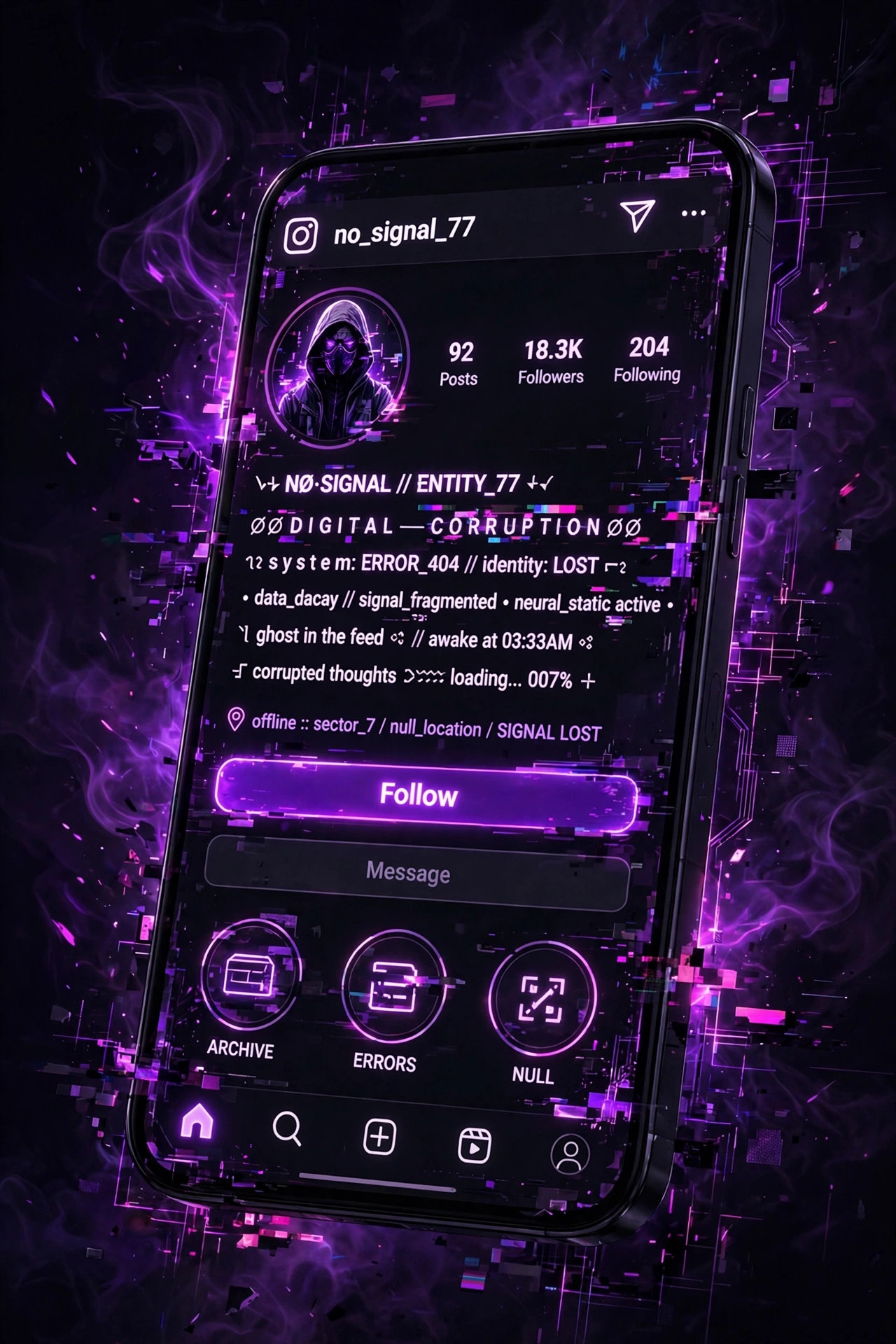
Your Instagram bio is 150 characters of prime real estate. It is the first thing people read when they land on your profile, and in a sea of identical bios, cursed text is one of the fastest ways to stand out. A corrupted username or a glitched bio line makes people stop scrolling — which is exactly what you want.
This guide covers how to use cursed text on Instagram: in your bio, username, captions, comments, and stories. Plus real ideas you can copy and advice on not overdoing it.
Where Cursed Text Works on Instagram
Bio. The highest-impact placement. Your bio appears on your profile and in search results. A single corrupted line among clean text creates contrast that draws the eye. Many people style just their name or one phrase and leave the rest normal.
Username. Instagram allows a wide range of Unicode characters in usernames, including combining marks. A lightly cursed username is memorable and searchable — but keep it typable. If nobody can type your name, nobody can tag you, and that costs you engagement.
Display name. This is the name field (separate from your @username), and it is searchable. A cursed display name shows up bold at the top of your profile. This is actually the best place for heavier styling — it does not affect tagging or mentions.
Captions. A corrupted word or phrase inside an otherwise normal caption creates a striking accent. Full captions in cursed text are unreadable and will hurt engagement — use it as seasoning, not the whole meal.
Comments. Cursed text in comments stands out dramatically in a thread of normal text. Great for fan pages, meme accounts, and anyone who wants their replies noticed.
Stories. Text overlays in stories support cursed characters. A glitched headline on a story slide is an instant attention-grabber.
Bio Ideas You Can Copy
Here are some approaches that work well. Generate the actual corrupted text with our generator — these are the concepts:
The corrupted name. Your name in Zalgo or Glitch style at medium intensity, followed by a clean one-line description. Simple, effective, instantly recognizable.
The split bio. First line clean (“Photographer | Tokyo”), second line cursed (a tagline or motto in void or creepy style). The contrast between clean and corrupted is what makes it work.
The aesthetic statement. A short phrase in demonic or horror style that sets your whole profile’s tone. Works especially well for dark-aesthetic, alternative, and horror-content accounts.
The minimal glitch. Just one or two corrupted characters in an otherwise normal bio — a single Zalgo-fied letter in your name. Subtle, intriguing, and very readable. The void style is perfect for this.
Choosing the Right Style
Zalgo is the most recognizable. If you want people to immediately think “cursed text,” this is it. Best at low to medium intensity for bios — high intensity becomes unreadable at small sizes.
Glitch reads as techy and digital. Great for gaming accounts, tech content, and cyberpunk aesthetics.
Void is the elegant choice. Thin, spaced, ghostly — it looks intentional and artistic rather than chaotic. Excellent for minimalist dark-aesthetic profiles.
Demonic and Horror are for commitment. They dominate whatever they touch, so use them when the dark aesthetic is your brand, not just an accent.
Creepy is the sleeper pick for Instagram. Subtle enough to keep your bio readable, strange enough to make people look twice. If you are unsure, start here.
What to Avoid
Do not corrupt your entire bio. A fully glitched bio is unreadable, and unreadable bios do not convert visitors to followers. One corrupted element among clean text is the formula.
Do not corrupt your @username heavily. Your username is how people find and tag you. If it is untypable, you are invisible in mentions and harder to search. Style your display name instead — same visual impact, zero discoverability cost.
Watch the mobile rendering. Instagram is overwhelmingly mobile, and combining characters render differently on iOS vs Android. Check your bio on both if you can, or at least on your own phone, before finalizing.
Do not use it if your audience is professional. Cursed text in a corporate or client-facing bio sends the wrong signal. Know your audience.
Step-by-Step: Adding Cursed Text to Your Bio
Step 1: Write your bio normally first. Decide which element gets the cursed treatment — usually your name or one tagline.
Step 2: Go to our cursed text generator, type that element, and choose a style at low to medium intensity.
Step 3: Copy the result and paste it into your Instagram bio (Edit Profile > Bio).
Step 4: Check it on your phone. If it looks too extreme, regenerate at lower intensity. If it barely reads as cursed, go one step higher.
Step 5: Leave it for a day and see how it feels. Bios are easy to change — iterate until it is right.
Frequently Asked Questions
Does Instagram allow cursed text in bios?
Yes. Instagram supports Unicode combining characters in bios, names, captions, and comments. It does not violate any policy.
Will cursed text affect my searchability?
It can, if overused. Instagram search matches text, and heavily corrupted text may not match what people type. Keep your @username clean and put styling in your display name to stay searchable.
Why does my bio look different on iPhone vs Android?
Each operating system uses different fonts, and combining characters render differently in each. Always check on your own device.
Can I use cursed text in Instagram Stories?
Yes. Paste it into the text tool when creating a story. It works the same as in bios and captions.
What is the best style for an Instagram bio?
For most people: void or creepy at low intensity for subtlety, or Zalgo at medium for maximum recognition. Match the style to your overall aesthetic.
Will people be able to copy my cursed bio text?
Yes, it is just Unicode text. Anyone can copy and paste it like normal text.
Ready to corrupt your profile? Try our free cursed text generator and paste the result straight into Instagram. For specific vibes, check out the Zalgo, Void, and Creepy generators.